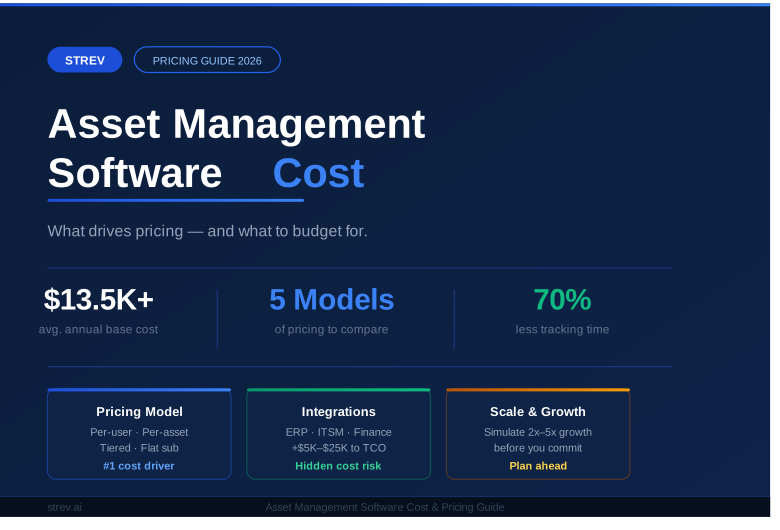

When teams search for Asset Panda alternatives, they are rarely just looking for another asset tracking app. In most cases, they are reacting to friction: 1) pricing pressure; 2) workflow limitations; or 3) a lack of visibility once asset counts and stakeholders increase.
Asset Panda is often adopted early because it is approachable and mobile-friendly. Over time, however, organizations managing IT assets, licenses, documents, and compliance artifacts tend to need more structure. At that point, asset management stops being a “tool choice” and becomes an operational decision.
The platforms below represent the most popular and widely adopted alternatives, each optimized for a different interpretation of what asset management should solve.
Why Organizations Move Away from Asset Panda
First, per-asset pricing becomes costly at scale. Additionally, workflows outside standard tracking require workarounds. As a result, teams managing licenses, documents, approvals, or cross-department assets often look elsewhere.
Another issue is lifecycle continuity. Asset Panda focuses on ownership and location, but it offers limited native support for renewals, compliance documentation, and approval workflows. Consequently, alternatives that support full asset intelligence gain traction.
Top Asset Panda Alternatives Used by Enterprises and Growing Teams
1. Strev Asset Management

Strev Asset Management is designed around the idea that assets are not static records. Instead, they are operational objects that change state, ownership, value, and risk over time.
At its core, Strev connects physical assets, software licenses, documents, and approvals into a single lifecycle-driven system. Assets move through defined stages such as procurement, assignment, maintenance, renewal, and retirement. This structure helps teams understand not only what assets exist, but also what requires attention.
In day-to-day use, teams rely on Strev to surface actions rather than raw data. For example, expiring licenses, missing documentation, stalled approvals, or assets nearing end of life are visible without manual tracking. That context is created through relationships between records, not spreadsheets. Teams use Strev to answer questions that basic trackers struggle with. “What licenses are expiring next quarter? Which assets are assigned without proper documentation? Where are approvals stalled?” These answers come from relationships between records, not manual exports.
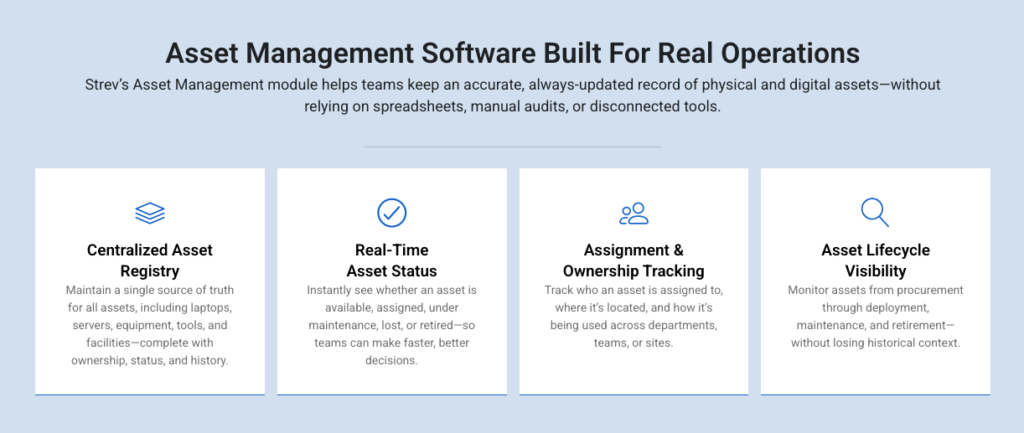
Unlike tools focused purely on IT or facilities, Strev supports cross-functional use cases. For example, IT teams can track devices and licenses, while operations teams manage contracts and documentation tied to those assets. Additionally, workflows and permissions align closely with organizational roles. Strev is differentiated by its ability to scale from simple visibility to deeper operational governance without changing platforms.
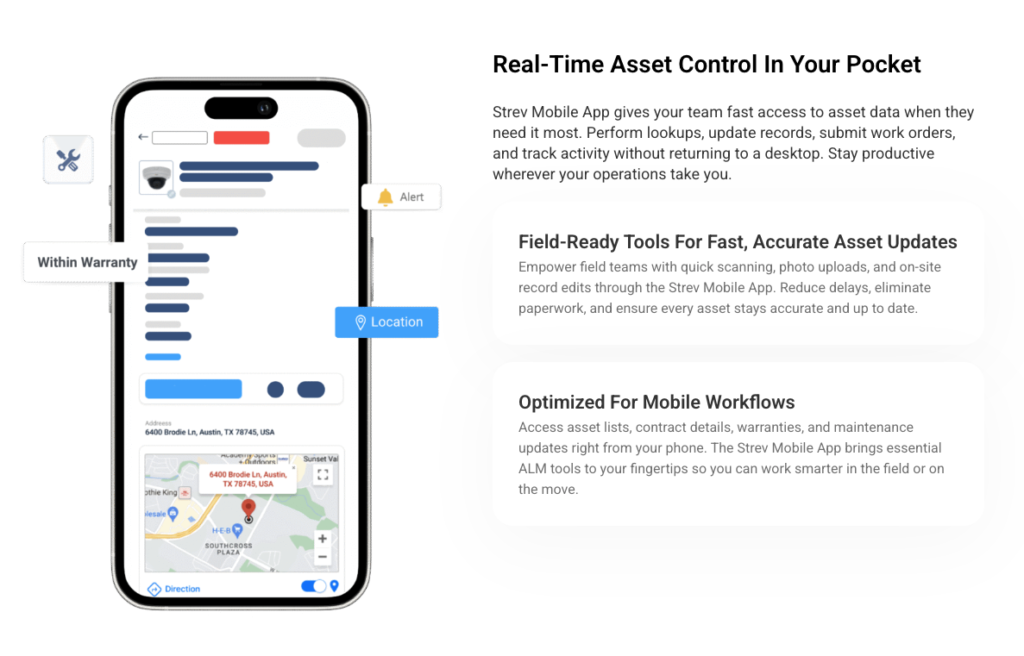
Strev also offers a mobile app, allowing teams to access and update asset information while on the move. This is especially useful for field teams, audits, handovers, and on-site verification, where capturing updates in real time matters.
Recently, Strev launched Strev Lite, a lighter version of the platform designed for teams that want straightforward asset tracking without immediate lifecycle complexity. This release addresses a common gap in the market, where teams either outgrow basic trackers quickly or are forced into heavier systems too early.
With Strev Lite, organizations can start with core visibility and expand into deeper lifecycle management later, without migrating to a different tool.
Strengths:
- Lifecycle-first architecture instead of static asset lists
- Native linkage between assets, licenses, documents, and approvals
- Mobile app for on-the-go asset access and updates
- Designed for cross-functional use, not IT only
- Recently launched Strev Lite for simpler tracking needs
Best for: Growing IT and operations teams that want to start simple and scale into deeper asset governance without switching platforms. Perfect for organizations that want asset data to drive operational decisions, with both desktop and mobile access supporting how teams actually work.
2. ServiceNow

ServiceNow approaches asset management as part of enterprise governance. Assets are deeply embedded into IT service management, change control, procurement, and compliance workflows.
This makes ServiceNow extremely powerful in regulated environments. Asset data feeds audits, approvals, and enterprise reporting. For large organizations, this level of control is a requirement rather than a feature.
However, that same strength introduces friction. Implementations are long, configuration-heavy, and expensive. Many teams discover that they are buying an ecosystem when they primarily needed asset lifecycle clarity. Over time, most organizations use ServiceNow less as a flexible tool and more as a system of record. Asset data feeds audits and reports, but daily asset work often happens elsewhere due to complexity.
| Strengths | Limitations |
| Deep integration with ITSM and enterprise workflows Strong audit, compliance, and governance capabilities Proven scalability at global enterprise level | High total cost of ownership Long implementation cycles Excessive complexity for asset management alone |
Best for: Large enterprises with mature ITSM programs and compliance-driven operations.
3. Freshservice
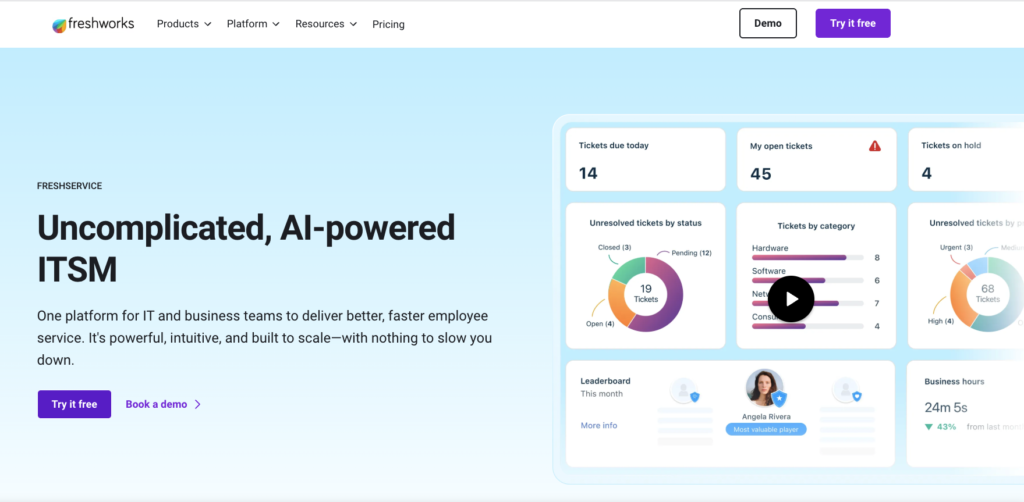
Freshservice is popular among mid-market IT teams for its modern interface and service-desk-first approach. Assets are typically managed in relation to tickets, incidents, and requests.
This works well for support workflows. However, asset governance beyond IT service delivery remains limited.
| Strengths | Limitations |
| Easy adoption and clean UX Strong ticket-to-asset linkage Fast time to value than heavy ITSM tools | Asset lifecycle depth is limited Weak for non-IT assets Basic contract and license tracking |
Best for: IT service desks where asset tracking supports support operations.
4. IBM Maximo
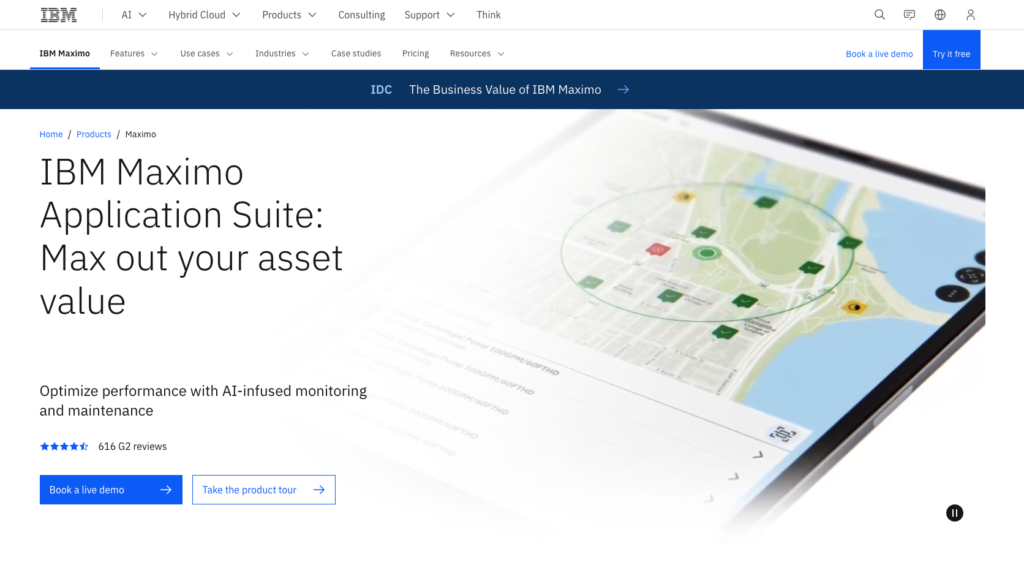
IBM Maximo is one of the most established enterprise asset management platforms in the market. It was designed primarily for organizations where physical assets are mission-critical and downtime has a direct financial or safety impact. Utilities, manufacturing plants, transportation providers, and energy companies are its core audience.
In practice, Maximo is less about “where is this asset” and more about “how is this asset performing.” Teams use it to manage preventive maintenance schedules, work orders, asset health, and reliability metrics. Asset records are tied to maintenance history, parts usage, and operational performance data.
Because of this focus, Maximo tends to be long and highly customized. Organizations often require dedicated teams or partners to configure workflows, reporting, and integrations. While extremely powerful in the right context, it can feel rigid and heavy for teams that primarily manage IT equipment, licenses, or knowledge-worker assets.
| Strengths | Limitations |
| Industry-leading maintenance and asset performance management Deep support for work orders, preventive maintenance, and reliability Proven scalability in asset-intensive industries | Complex and time-consuming implementations Heavy infrastructure and configuration requirements Poor fit for modern IT asset and license management |
Best for: Industrial enterprises managing facilities, plants, fleets, or critical infrastructure where uptime is paramount.
5. SAP EAM
SAP EAM is fundamentally an extension of SAP’s ERP philosophy applied to assets. It is built to ensure that asset data aligns tightly with financials, procurement, depreciation, and cost centers. For organizations already running SAP, this creates a unified financial and operational view.
In real-world usage, SAP EAM is often driven by finance and operations teams rather than IT. Asset workflows follow structured ERP processes, which can be beneficial for compliance and reporting but less intuitive for day-to-day users. Even small workflow changes typically require SAP expertise or external consultants.
This makes SAP EAM powerful but slow-moving. Teams gain strong control and traceability, but agility and ease of use are trade-offs. For organizations that operate heavily outside SAP, adoption friction can be significant.
| Strengths | Limitations |
| Tight integration with SAP ERP and financial systems Strong asset accounting, depreciation, and cost tracking Trusted, enterprise-grade platform | Steep learning curve for non-SAP users Rigid workflows tied to ERP logic High dependency on SAP specialists |
Best for: Large enterprises already standardized on SAP that prioritize financial control over workflow flexibility.
6. Ivanti

Ivanti approaches asset management from a security and endpoint control perspective. Assets exist primarily as devices that need to be patched, secured, and kept compliant. As a result, asset data feeds directly into vulnerability management and risk mitigation workflows.
Ivanti is used heavily by security and infrastructure teams. Asset records are leveraged to answer questions about exposure, patch status, and device compliance rather than ownership or lifecycle planning. This makes it extremely effective in regulated or security-sensitive environments.
However, Ivanti is not designed to manage contracts, documents, or broader operational asset workflows. Teams often supplement it with other systems when they need renewal tracking or cross-department visibility.
| Strengths | Limitations |
| Strong endpoint security and patch management Deep visibility into device compliance and risk Enterprise-grade controls for regulated environments | High cost and operational complexity Limited support for non-endpoint assets Not built for lifecycle or governance workflows |
Best for: Security-driven enterprises managing large fleets of endpoints.
7. ManageEngine AssetExplorer
AssetExploreris commonly deployed with a specific goal: audit readiness. It excels at discovering IT assets, tracking software installations, and generating compliance reports. Many teams adopt it reactively when preparing for software audits.
In daily use, AssetExplorer functions more as a monitoring and reporting tool than a workflow system. Asset records provide visibility, but approvals, renewals, and cross-team processes typically happen elsewhere. This makes it reliable for compliance-focused teams but limiting for broader asset lifecycle management.
| Strengths | Limitations |
| Automated discovery of IT assets Strong software license compliance reporting Integrates well within the ManageEngine ecosystem | IT-centric design limits cross-functional use User interface feels dated Limited workflow and approval capabilities |
Best for: IT teams preparing for audits and compliance reporting.
8. NinjaOne
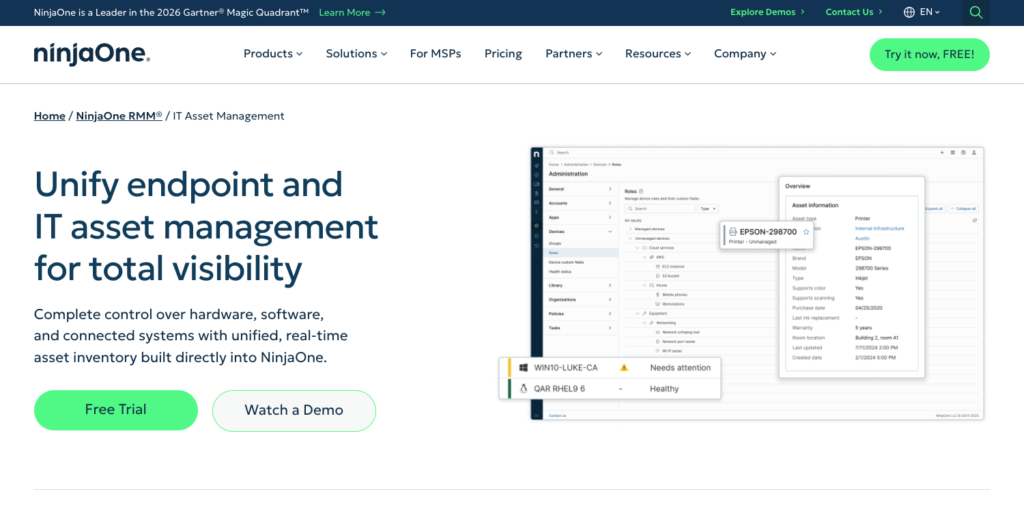
NinjaOne is best known as a modern, cloud-native IT operations platform. Its core strength lies in endpoint management, remote monitoring, patching, and automation. Asset information is tightly connected to device health and operational status rather than long-term governance.
Teams adopt NinjaOne to gain immediate visibility and control over endpoints. Devices are discovered automatically, monitored continuously, and kept up to date through centralized patching and scripting. This makes it especially popular with MSPs and internal IT teams managing distributed environments.
However, NinjaOne treats assets primarily as endpoints to manage, not as lifecycle records to govern. While it excels at operational control, it offers limited native support for contracts, approvals, documents, or renewal tracking. As a result, organizations often pair NinjaOne with a separate asset lifecycle or governance platform once needs extend beyond device management.
| Strengths | Limitations |
| Strong endpoint discovery and real-time visibility Remote monitoring, patching, and automation built in Cloud-native architecture with fast deployment | Asset management is endpoint-centric Limited lifecycle, approval, and document workflows Not designed for non-device assets |
Best for: IT teams and MSPs that prioritize endpoint control, monitoring, and automation over broader asset lifecycle governance.
9. Lansweeper
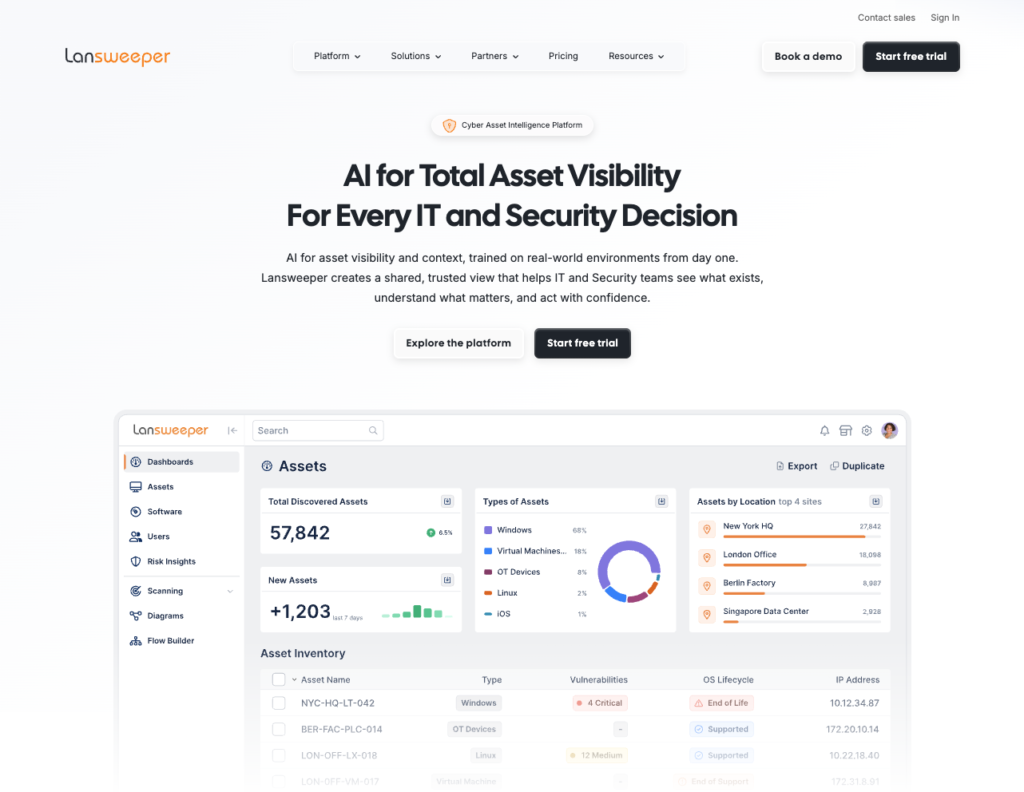
Lansweeper is purpose-built for discovery. It answers the foundational question of what assets exist across networks, environments, and locations. For many teams, this visibility is a major improvement over manual tracking.
However, discovery is where Lansweeper stops. Asset lifecycles, approvals, renewals, and governance are not part of its design. As organizations mature, Lansweeper is often paired with a second system that handles decision-making.
| Strengths | Limitations |
| Fast, accurate asset discovery Deep visibility into infrastructure and software Easy to deploy and scale | No lifecycle or governance workflows No approval or renewal tracking Requires pairing with another platform |
Best for: IT teams that need accurate asset visibility as a foundation.
10. Snipe-IT
Snipe-IT remains one of the most popular open-source asset management tools. It is often chosen for its transparency, flexibility, and lack of licensing costs. Teams commonly use it to track ownership, assignments, and depreciation.
As organizations grow, limitations emerge. Workflow automation is minimal, and reporting often requires customization. Many teams either invest heavily in internal development or eventually migrate to more structured platforms.
| Strengths | Limitations |
| Open-source with no license fees Strong asset-to-user accountability Flexible for technical teams | Self-hosting and maintenance overhead Limited automation and workflows Reporting requires customization |
Best for: Technical teams that want control and are willing to manage complexity.
Choosing the Right Asset Panda Alternative by Maturity Level Decision Tree
Asset management maturity is not about company size. It’s about how decisions are made using asset data. Teams run into trouble when their tools no longer match how assets are actually used across the organization.
Use the sections below to identify where you are today, not where you plan to be.
Level 1: Basic Maturity – “We need to know what we have and who has it.”
At this stage, asset management is primarily about control and awareness. Assets are tracked to prevent loss, improve accountability, and answer basic inventory questions.
| Common characteristics: | What usually goes wrong: | Tools that fit this stage: |
| Asset lists live in spreadsheets or simple tools | Assets exist, but no one owns the next action | Strev Lite Asset Management Snipe-IT |
| Tracking focuses on ownership, location, and status | Data becomes outdated quickly | |
| Audits are manual and time-consuming | Tracking improves visibility, but not decisions | |
| Renewals and documentation are handled separately |
Level 2: Operational Control – “Assets now affect renewals, compliance, and daily work.”
Here, assets begin to drive operational outcomes. Teams need more than visibility. They need reminders, context, and accountability.
| Common characteristics: | What usually goes wrong: | Tools that fit this stage: |
| License or contract renewals are tracked manually | Important actions depend on individuals remembering | Strev Asset Management Freshservice ManageEngine AssetExplorer |
| Assets move across teams, sites, or regions | Approvals happen in email, not systems | |
| Documentation is required for audits or compliance | Asset data exists, but workflows are disconnected | |
| Multiple teams reference asset data |
Level 3: Governance & Scale – “Assets are tied to risk, cost, and compliance.”
At this level, asset management becomes a governance function. Asset data supports audits, financial decisions, and enterprise-wide accountability.
| Common characteristics: | What usually goes wrong: | Tools that fit this stage: |
| Regular internal or external audits | Teams rely on systems of record that are hard to change | Strev Asset Management ServiceNow SAP EAM IBM Maximo |
| Assets tied to depreciation, cost centers, or contracts | Asset workflows become rigid and slow | |
| Multiple departments rely on the same data | Asset data exists, but workflows are disconnected | |
| Errors create financial or compliance risk |
Level 4: Distributed & Field-Heavy Environments “Assets are everywhere, and updates must happen in real time.”
Some organizations operate across multiple locations, sites, or field teams. Asset data must stay accurate without waiting for office-based updates.
| Common characteristics: | What usually goes wrong: | Tools that fit this stage: |
| Field teams scan, update, or hand over assets | Updates are delayed or forgotten | Strev Asset Management (with mobile app) NinjaOne (for endpoint-heavy environments) |
| Audits happen on-site | Asset data becomes stale between audits | |
| Devices and equipment move frequently | Mobile tools exist but don’t connect to lifecycle workflows |
How to Use This Decision Tree
This decision tree is not meant to label your organization. It’s meant to help you identify the mismatch between how your assets are used today and what your current tools can realistically support. Start by answering each question honestly based on how work happens now, not how it should happen.
Step 1: Identify Your Dominant Pain
Most teams experience symptoms from multiple levels. That’s normal. Focus on the issue that creates the most friction or risk today.
For example:
- If audits are painful, governance matters more than visibility
- If renewals are missed, operational control is the real gap
- If field updates are delayed, distribution and mobility are the constraint
Choose the level where failure feels most costly.
Step 2: Look at Where Manual Work Creeps In
Manual effort is the clearest signal that a tool no longer fits.
Ask yourself:
- Are renewals tracked in spreadsheets or calendars?
- Do approvals happen in email or chat?
- Does documentation live outside the asset record?
If the answer is yes, you’ve likely moved past basic tracking, even if the tool technically “works.”
Step 3: Assess Who Relies on Asset Data
Asset management maturity increases as more teams depend on the same data. Early-stage teams usually answer: “IT owns this.” More mature teams hear:
- “Finance needs this for renewals.”
- “Operations needs this for handovers.”
- “Compliance needs this for audits.”
Once asset data serves multiple stakeholders, lifecycle clarity becomes more important than ease of entry.
Step 4: Decide Whether You’re Optimizing for Control or Flexibility
This is where many evaluations stall. Some platforms prioritize:
- Standardization
- Enforcement
- Systems of record
Others prioritize adaptability, cross-team workflows, and action-oriented visibility. Neither approach is wrong. The right choice depends on whether your organization values rigid control or operational agility more at this stage.
Step 5: Choose a Tool That Supports the Next Level
The most common mistake teams make is choosing a tool that fits today perfectly but blocks growth tomorrow. If you’re on the edge between two levels:
- Avoid tools that force a full migration later
- Favor platforms that let you start simple and expand naturally
The goal is not to jump levels prematurely. It’s to avoid rebuilding asset management from scratch every 12–18 months.
A Simple Rule of Thumb
If your current asset tool answers:
- “What do we have?” → You’re likely at Level 1
- “What needs action?” → You’re entering Level 2
- “What’s the risk or cost?” → You’re at Level 3
- “How do we update this in real time?” → You’re at Level 4
Use the decision tree to confirm that instinct, not replace it.
Why This Matters
Most asset management failures don’t happen because teams chose the wrong software. They happen because teams outgrew their tools quietly. This decision tree helps surface that moment early, before blind spots turn into missed renewals, failed audits, or operational risk.
Final Thoughts
Choosing among Asset Panda alternatives is rarely about swapping tools. It’s about recognizing when asset management has outgrown simple tracking. Asset Panda works well when visibility is the goal. However, as assets begin to affect renewals, audits, and cross-team operations, tracking alone becomes limiting. That’s when workarounds appear and risk increases quietly.
The platforms in this guide reflect different approaches. Some emphasize enterprise control, others focus on security or discovery, while a few prioritize lifecycle clarity and flexibility. The right choice depends on how asset data is actually used inside your organization.
This is why maturity matters. Early teams need simplicity. Growing teams need accountability. Larger organizations need governance and scale. Problems arise when tools stop evolving alongside those needs. The decision tree is meant to surface that moment early, before missed renewals or audit pressure force a reactive change.
In the end, strong asset management supports decisions, not just records. The right platform is the one that scales with complexity, reduces rework over time, and stays useful as the organization grows.